Runtime modernization crosses every stage between source code and production. The developer workstation may use the target version while a reusable CI workflow selects an older release. Tests may execute in one container and production in another. A build plugin can invoke its own embedded runtime. A deploy job may generate an artifact whose native modules were compiled against the runner rather than the production image.
These inconsistencies create a dangerous form of partial readiness: the primary application appears compatible, but the delivery path is not reproducible. Failures then emerge only in protected branches, release builds, a particular architecture, or production startup. The remedy is a pipeline assessment that treats workflows, runners, images, package installation, build tools, artifacts, deployment configuration, and rollback as one connected system.
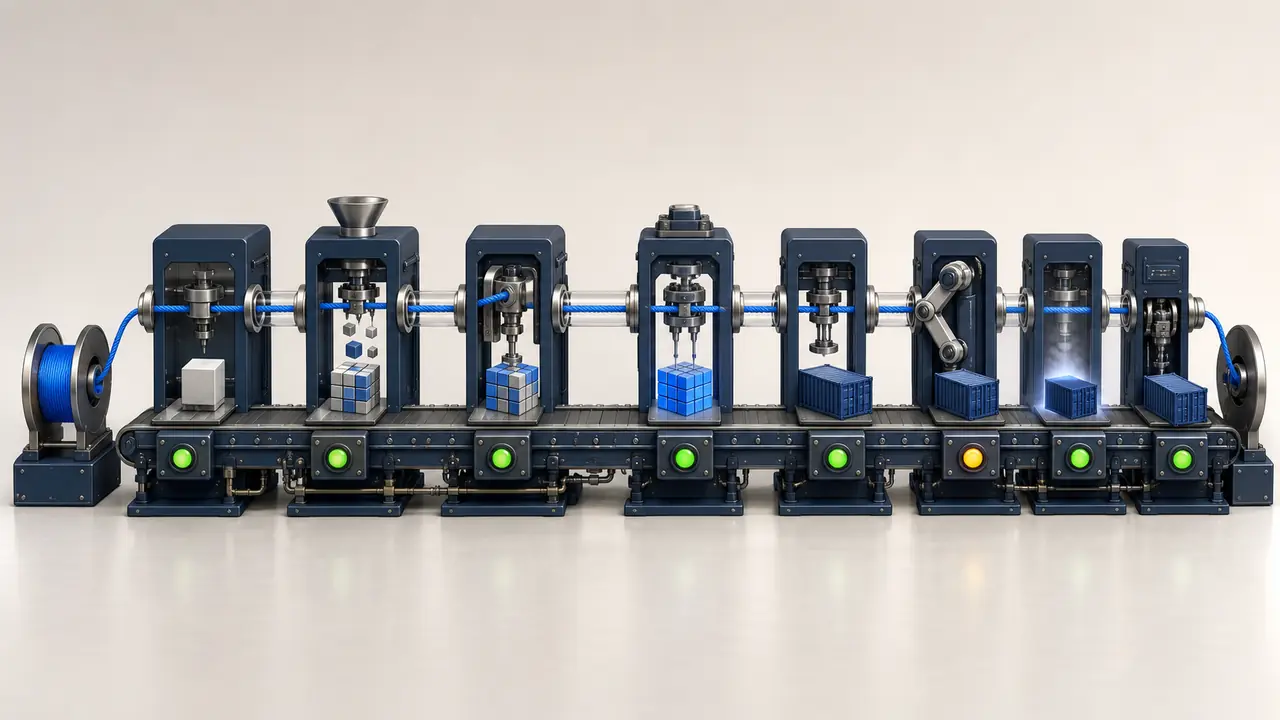
This checklist is designed for Node.js and similar runtime upgrades, but its control model applies broadly. Each item should produce inspectable evidence at a pinned commit. Where a check cannot be automated, assign a reviewer and record the result. The goal is not simply a green pipeline; it is confidence that the pipeline proves the target state teams intend to operate.
1. Map the complete delivery surface
Start by identifying every pipeline that can influence an artifact or production environment. Search primary workflow directories, reusable workflows, composite actions, repository templates, organization-level pipeline libraries, release scripts, scheduled jobs, infrastructure repositories, and deployment controllers. Include pull-request validation, branch builds, security scans, package publication, container builds, migrations, release promotion, and emergency rollback jobs.
Do not assume the application repository contains its whole delivery definition. A central platform repository may define the runner image. A service catalog may choose a deployment template. A Git tag may trigger a separate release system. Internal actions can hide runtime setup or invoke scripts with their own requirements. Trace references until the actual execution environment is known.
Record repositories, files, revisions, triggers, runner labels, environments, credentials, outputs, and owners. Capture conditional paths. A Windows packaging job, ARM image build, nightly integration suite, or manual production promotion may execute rarely but still be cutover-critical. Map which pipelines produce which artifacts and which environments consume them.
Pin the assessment to commits across all repositories in scope. A finding tied only to “main” becomes hard to reproduce after shared workflows change. The delivery snapshot should identify the exact source, workflow, template, image digest, and configuration behind each conclusion.
If a job can build, transform, sign, publish, promote, configure, or roll back the production artifact, it belongs in the runtime upgrade assessment.
2. Make runtime selection explicit
Inventory every mechanism that chooses a runtime. In GitHub Actions this may include setup actions, matrix values, tool-version files, container declarations, or custom runner images. Other systems may use pipeline images, environment modules, machine images, shell bootstrap scripts, or preinstalled runner software. Local files such as .nvmrc, .node-version, and manifest engine ranges can disagree with pipeline configuration.
Resolve indirection. A workflow might accept a runtime version from a caller, read it from a configuration file, or inherit a default inside a reusable template. Record the effective value for each job rather than the token visible in one file. Confirm that build, lint, test, package, and release stages use deliberate versions.
Avoid broad labels when reproducibility matters. “Latest” and floating major tags can move without a repository change. Use an approved version policy that balances patch uptake with controlled rollouts. At minimum, preserve the runtime version in build metadata so an artifact can be traced to its execution environment.
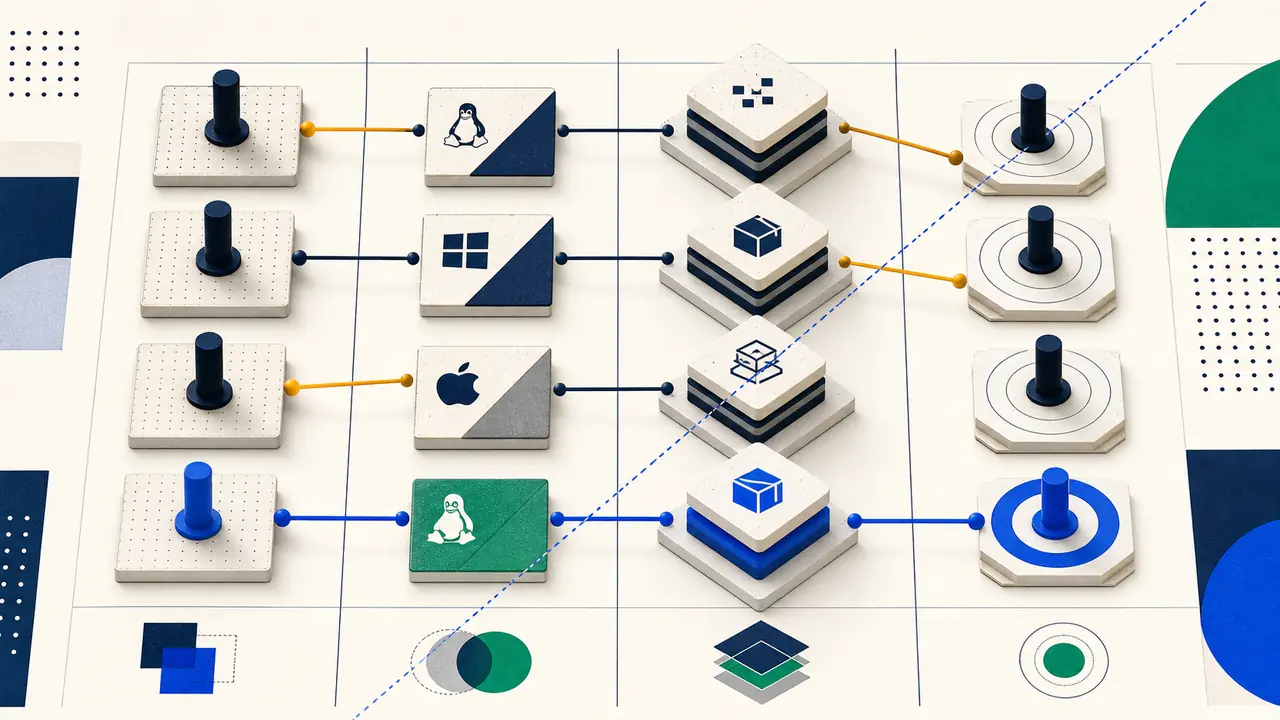
Verify architecture and operating-system combinations. Runtime distributions and native dependencies can behave differently on Linux variants, Windows, macOS, x64, and ARM64. The target matrix should reflect production rather than only the easiest hosted runner. If the matrix intentionally excludes a production variant, record the alternative evidence that covers it.
Check secondary runtimes as well. Package scripts may call Python, Java, a shell, a browser, or a native compiler toolchain. A base-image change can alter those dependencies even when the application runtime itself installs correctly. Capture their versions and compatibility where they participate in the build.
3. Treat container images as versioned dependencies
Review every Dockerfile stage. Multi-stage builds often use one runtime for dependency installation, another for compilation, and a slimmer production image. If native packages are built in the first stage, operating-system libraries and architecture must be compatible with the final stage. Copying a dependency directory across incompatible distributions can produce failures that do not appear during the build.
Pin base images with an intentional policy. Tags communicate desired versions, while digests guarantee byte-level reproducibility. Many teams use a controlled automation process to refresh digests and review resulting changes. Record both the human-readable tag and resolved digest in assessment evidence.
Inspect operating-system changes between source and target images. Certificate stores, time-zone data, C libraries, package managers, default users, shell availability, and root filesystem permissions can change. Slim or distroless images reduce surface area but may remove diagnostic tools or libraries previously assumed by startup scripts and health checks.
Confirm production process behavior. Verify entrypoints, signal handling, graceful shutdown, init behavior, working directories, filesystem writes, user permissions, exposed ports, and health probes. A runtime upgrade can alter startup timing, memory behavior, or default networking in ways that require probe adjustments without changing application semantics.
Build images without leaking credentials. Use secret mounts or platform-supported secret handling instead of build arguments that persist in layers. Disable unnecessary package lifecycle scripts during untrusted analysis. Scan resulting images for vulnerabilities and secrets, but keep security scanning distinct from functional compatibility: passing one does not prove the other.
4. Validate the complete build-tool chain
List compilers, transpilers, bundlers, test runners, linters, code generators, documentation tools, packaging utilities, and deployment CLIs. Record their direct and resolved versions. Many tools declare runtime support independently of the application framework. A runtime can execute the service correctly while an older test runner or build plugin fails.
Check configuration formats and plugin ecosystems. Major runtime upgrades often coincide with module-system changes, stricter parsing, removed APIs, or different resolution behavior. Tools may support the target runtime only after a configuration migration. Validate custom loaders, require hooks, transpilation targets, source-map handling, worker processes, and dynamic imports.
Inspect custom scripts rather than treating them as opaque commands. Shell assumptions can break on a new image; environment variables may be consumed differently; commands may call globally installed tools instead of project-pinned versions. Prefer invocation through lockfile-resolved packages and fail when a required tool is missing.
Measure build behavior, not just completion. Compare duration, CPU, memory, cache hit rate, artifact size, bundle composition, and warnings against a baseline. A target runtime that doubles memory or silently disables caching can pass functional gates while creating material delivery and production cost.
5. Make dependency installation deterministic
Use the package manager and lockfile mode intended for reproducible installation. For npm, a clean installation from the lockfile is different from an update-capable install. Equivalent frozen or immutable modes exist in other package managers. The pipeline should fail when the manifest and lockfile disagree rather than silently rewriting dependency resolution.
Pin the package-manager version, particularly when lockfile format or peer-dependency behavior differs. Corepack or an explicit setup step can enforce the expected tool. Include the version in build logs and artifact provenance. A lockfile is deterministic only within the semantics of the tool that reads it.
Review native modules carefully. Determine whether compatible prebuilt binaries exist for the target runtime, operating system, architecture, and C library. Exercise the source-build path where needed, verifying compiler toolchains, headers, Python versions, and system libraries. Never infer production compatibility only because installation succeeded on a developer laptop.
Define cache keys from every compatibility input: operating system, architecture, runtime, package-manager version, lockfile hash, and relevant build options. Restore-only cache keys can accidentally reuse artifacts built under the source runtime. During migration, consider clearing ambiguous caches and recording misses until the target path is stable.
Control registry access and lifecycle scripts. Confirm authentication, internal registries, mirrors, proxy settings, and certificate behavior in the new environment. Lifecycle scripts execute package-controlled code and can introduce hidden build requirements; run them only under the organization’s defined trust policy and inspect failures as evidence rather than bypassing them casually.
6. Strengthen tests into cutover gates
Run unit tests under the target runtime, but do not stop there. Integration suites should exercise databases, caches, queues, storage, identity, and external adapters with compatible versions. Contract tests should protect independently released consumers and providers during mixed operation. End-to-end tests should cover critical user journeys and background processing.
Look for conditional skips, allowed failures, retries, quarantined tests, and matrix exclusions. A green status can conceal target-runtime failures when a job is non-blocking or a condition does not match. Record which checks are required for merge, release, and production promotion.
Compare warnings and resource behavior. Deprecation warnings, unhandled rejection notices, open handles, leaked timers, and experimental feature messages can predict future failures. Observe memory, event-loop delay, garbage collection, startup time, throughput, and tail latency under representative load. Define thresholds before seeing the target result to avoid moving the goalposts.
Test shutdown and failure paths. Runtime changes often surface in signal handling, stream behavior, TLS, DNS, timers, worker threads, or error propagation. Exercise dependency loss, partial responses, queue backlogs, process termination, and restart. Verify that observability captures the failure and the service recovers within its operating objective.
Every gate needs evidence, owner, threshold, and failure action. “Tests passed” should link to an immutable run associated with the assessed commit. A flaky rerun requires policy: record the initial failure and reason for acceptance rather than allowing repeated execution to erase the signal.
7. Protect artifact integrity and provenance
Define what the pipeline promotes. Rebuilding source separately for each environment can produce different dependency resolution or base layers. Prefer building once and promoting the same immutable artifact, with environment configuration supplied separately. If rebuilding is required, prove that inputs and toolchain are reproducible.
Attach metadata that identifies source commits, runtime version, package-manager version, lockfile hash, base-image digest, build workflow revision, and timestamp. Use checksums or signatures according to the organization’s supply-chain policy. This metadata supports both incident response and rollback: operators need to know exactly what they are restoring.
Review artifact retention. The previous known-good application and infrastructure artifacts must remain available for the rollback window. Confirm registry permissions, immutability, geographic availability, and deployment compatibility. A rollback plan fails if retention cleanup removes the only usable image.
Validate published libraries as consumers will receive them. Package contents can differ from the repository because of ignore rules, build steps, generated declarations, or export maps. Install the packed artifact in representative consumers under both runtimes when dual compatibility is part of the migration sequence.
8. Verify deployment, observation, and rollback
Review deployment templates for runtime-related configuration: image references, commands, probes, resource limits, autoscaling signals, environment variables, mounted certificates, architecture constraints, and security contexts. Confirm infrastructure modules and environment overlays select the intended target. A correct Dockerfile does not help if production still references an older image path.
Use a controlled rollout pattern suited to the service. Canary, blue-green, regional, tenant-based, or wave-based promotion can limit exposure. Define the unit, observation window, success thresholds, and automatic or manual stop conditions. Ensure dashboards distinguish target and source instances so aggregate metrics do not hide a regression.
Prepare rollback across application, configuration, and data. Verify the previous artifact can deploy with current infrastructure and schemas. Test the command or controller action, required permissions, expected duration, and health checks. If data changes prevent restoration, define a forward-recovery procedure and use a stricter cutover gate.
Assign production roles before the event: execution lead, service owner, platform operator, observer, incident lead, communication lead, and go or no-go authority. A pipeline can automate steps, but accountability for interpreting ambiguous signals remains human controlled.
Verify environment promotion semantics
Trace how an artifact moves from development through staging to production. Confirm whether promotion reuses an immutable digest, retags an image, copies it between registries, regenerates manifests, or rebuilds from source. Each transformation can alter provenance or introduce a runtime difference. Environment variables and infrastructure overlays should be versioned and reviewed with the artifact they configure. When approvals occur in a separate platform, preserve the link between the approved evidence and the promoted candidate.
Exercise deployment concurrency and failure recovery. Determine what happens if one instance starts under the target runtime while another remains old, a rollout is paused halfway, or a region cannot pull the image. Verify compatibility for mixed capacity during the deployment window. Check that controllers do not automatically continue after a threshold breach and that operators can inspect the precise revision on each instance. A rolling update is a migration boundary of its own, with short-lived coexistence that still requires protocol, session, and data compatibility.
Review scheduled and event-driven workloads after promotion. A web service can look healthy while a timer, queue worker, migration job, or webhook processor has not yet executed under the target. Include representative triggers or controlled synthetic work in the observation plan. Record the longest interval before each critical workload naturally runs, then decide whether the cutover gate can wait or needs an explicit test.
Document the policy for emergency fixes during the upgrade window. A production patch must use the same target-capable toolchain or follow a deliberate source-runtime path without contaminating promoted artifacts. Confirm branching, signing, review, and release controls before cutover. Otherwise, an unrelated incident can force teams to choose between an untested pipeline and delaying a critical fix while modernization is active.
Consolidated CI/CD runtime upgrade checklist
- All build, test, release, scheduled, and rollback pipelines are inventoried.
- Reusable workflows and central templates are pinned to reviewed revisions.
- The effective runtime is explicit in every relevant job and architecture.
- Developer, CI, build-image, test-image, and production runtime policies align.
- Every Dockerfile stage and base-image digest has been reviewed.
- Native dependencies are validated for operating system, architecture, and runtime ABI.
- Build tools, plugins, generators, and custom scripts support the target.
- Package-manager versions and immutable lockfile installation are enforced.
- Cache keys include all inputs that affect binary compatibility.
- Unit, integration, contract, end-to-end, and performance gates are explicit.
- Skipped, flaky, retried, or non-blocking failures remain visible.
- Artifacts include source and toolchain provenance and are promoted immutably.
- Production dashboards distinguish target-runtime instances.
- Rollout thresholds, stop conditions, observation windows, and owners are recorded.
- Previous artifacts and rollback permissions are verified through rehearsal.
- Repository rescans detect pipeline drift until the migration is closed.
Conclusion
A runtime upgrade is a delivery-system migration as much as an application change. Pipelines choose runtimes, resolve dependencies, create native artifacts, run evidence-producing tests, package containers, configure deployments, and preserve the path back. A gap at any stage weakens the production claim made by a green build.
Build the assessment from pinned evidence, follow runtime selection through every layer, validate representative behavior, and express release checks as measurable gates. Keep the previous state deployable, connect every control to an owner, and rescan as workflows evolve. The result is not merely a pipeline that accepts a new version; it is a delivery path that proves and controls the target state.
Bring pipelines into the migration plan.
CutoverGrid analyzes runtime pins, workflows, images, build tools, tests, deployment configuration, and rollback evidence as one connected readiness model.